1While using apps
Words come to you first.
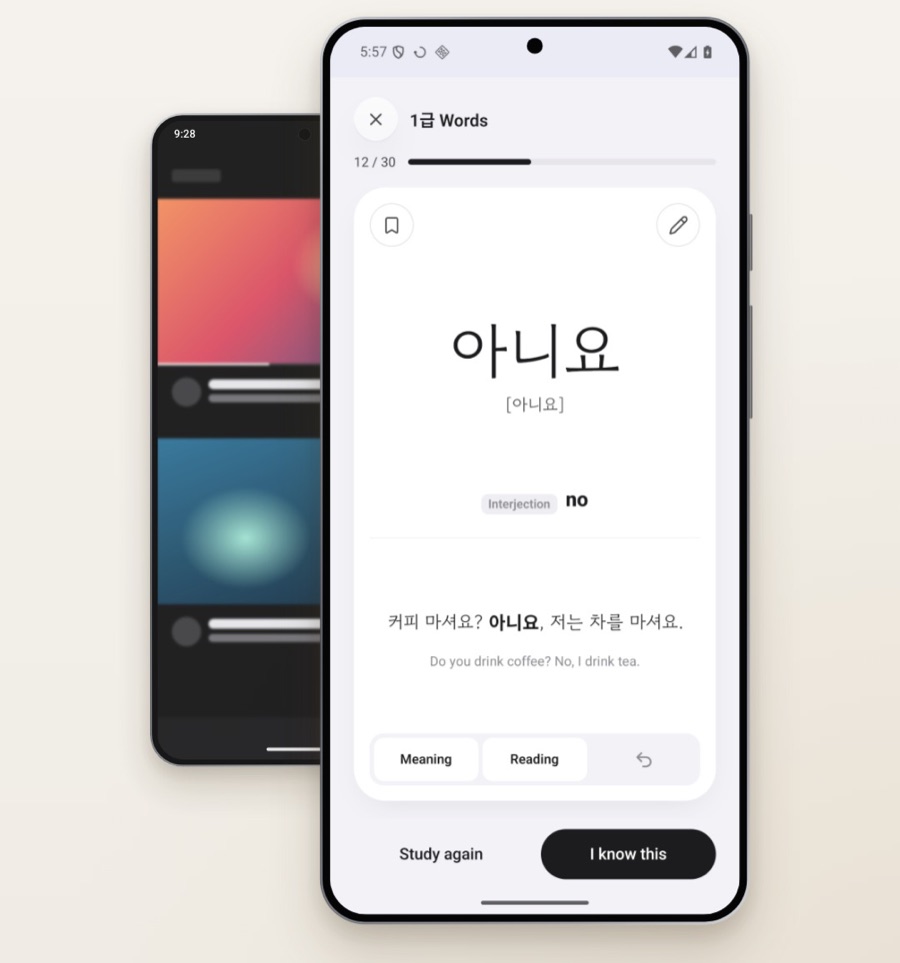
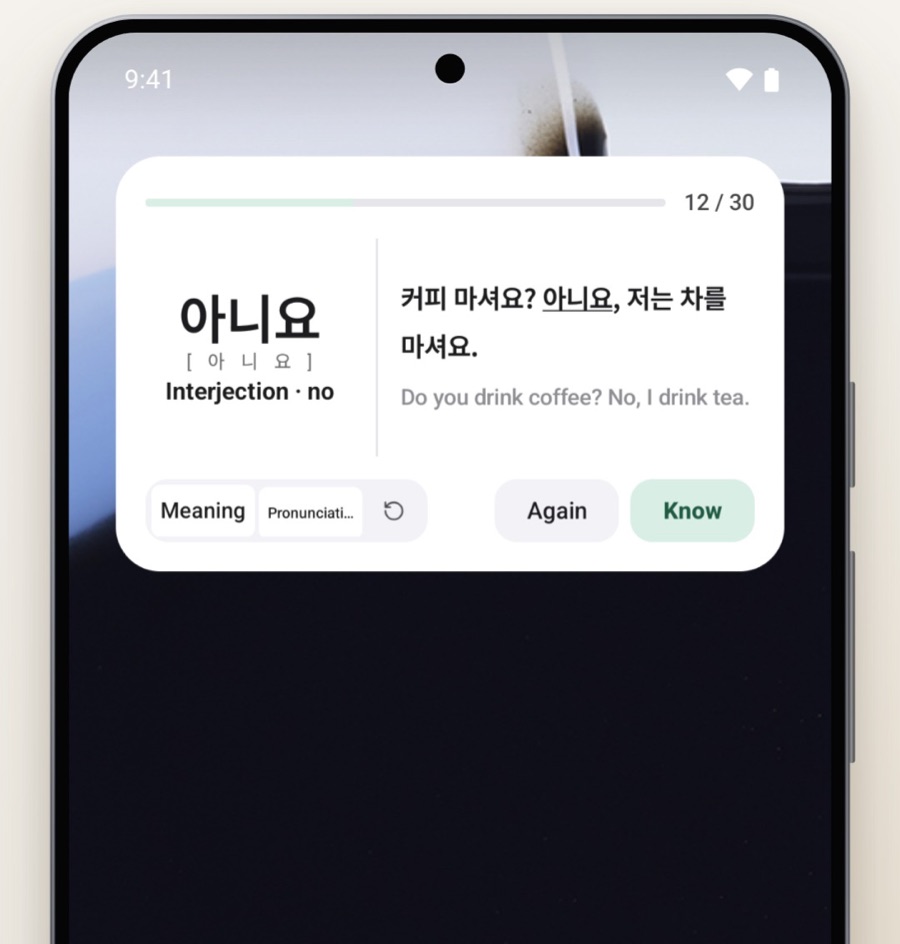
Open an app you picked, and a word shows up first at the interval you set.
 Routine TOPIK
Studying vocabulary?
Every time you check your phone, a word comes to you first.
Every time you check your phone, a word comes to you first.
Open an app you picked, and a word shows up first at the interval you set.
Even if you only check the time, a word is already waiting.
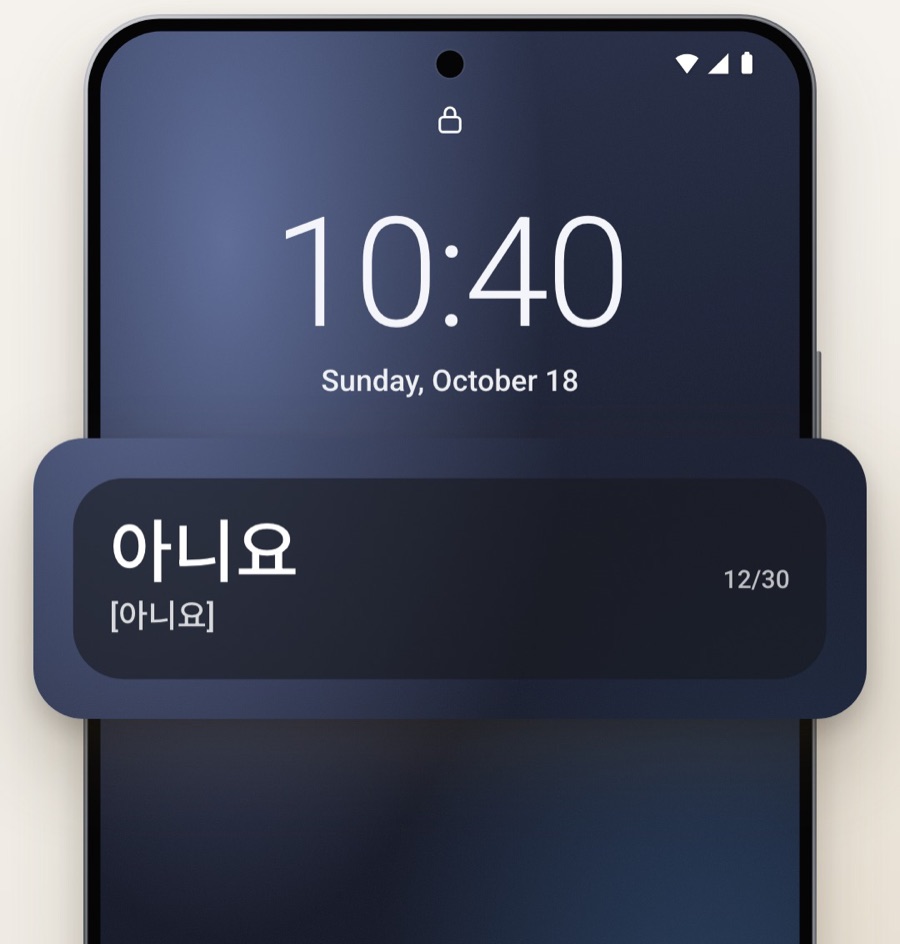
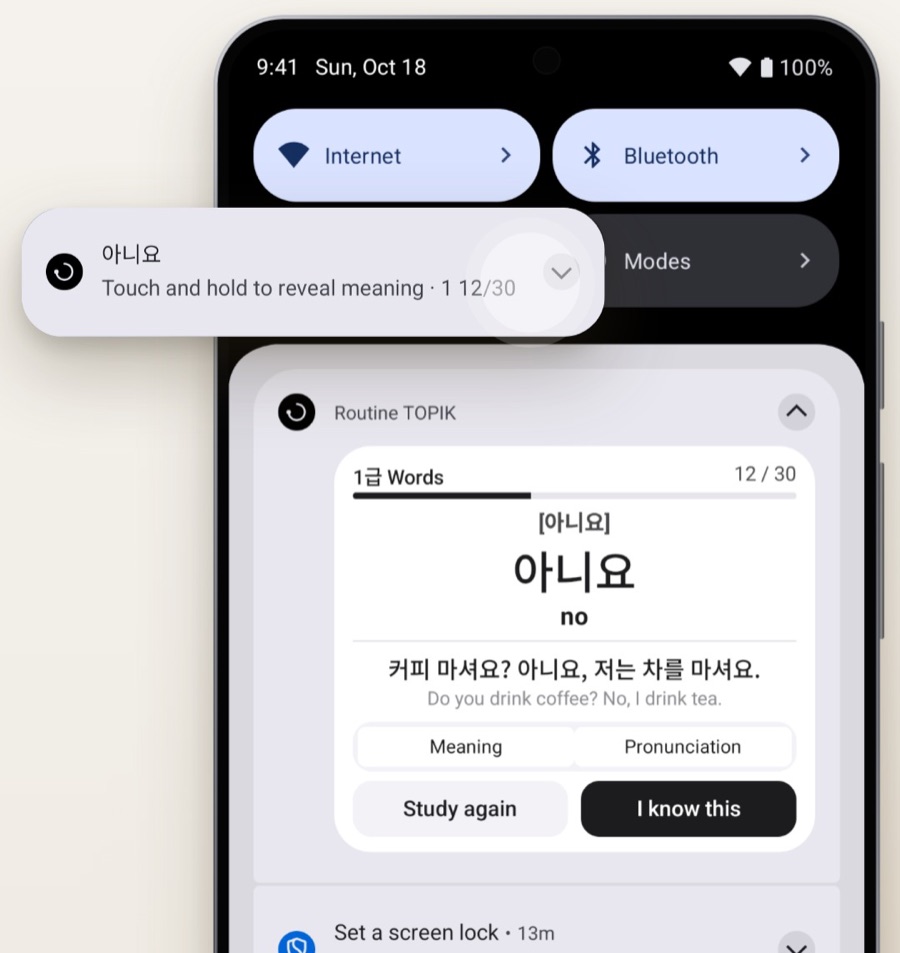
Expand one to see the meaning, then move on.
On your home screen, a word each time you pick up your phone at work.
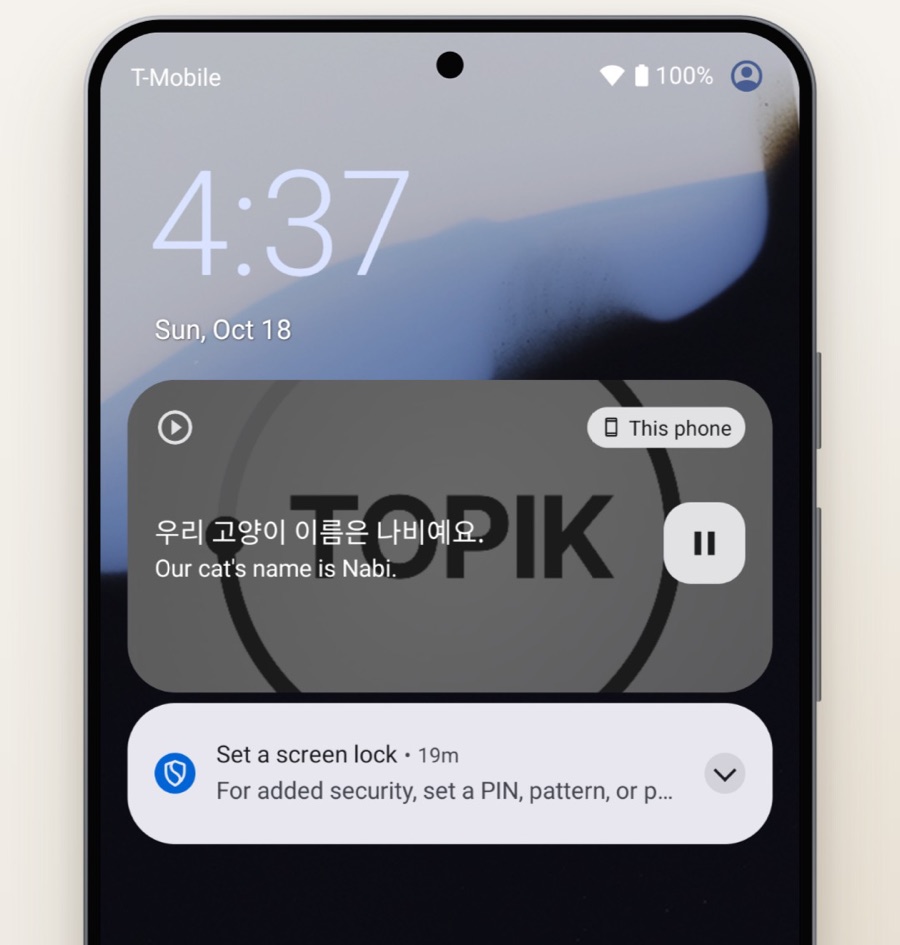
On the train to work, or with your phone in your pocket.
Here's what a day could look like.
Review 10 words on your lock screen.
Practice 20 words with example sentences playing in the background.
See 10 more in your home screen widget.
And practice another 20 as words pop up.
An example. Actual counts depend on your settings and usage, and the same word can come back more than once.
Move past words you know and revisit the ones you’re unsure about. Wherever you answer, it’s one routine.
Words you know move aside for the next one.
It goes to the back of the list and returns until it sticks.
Answers from widgets, the lock screen and alerts count in the app’s progress and routine.
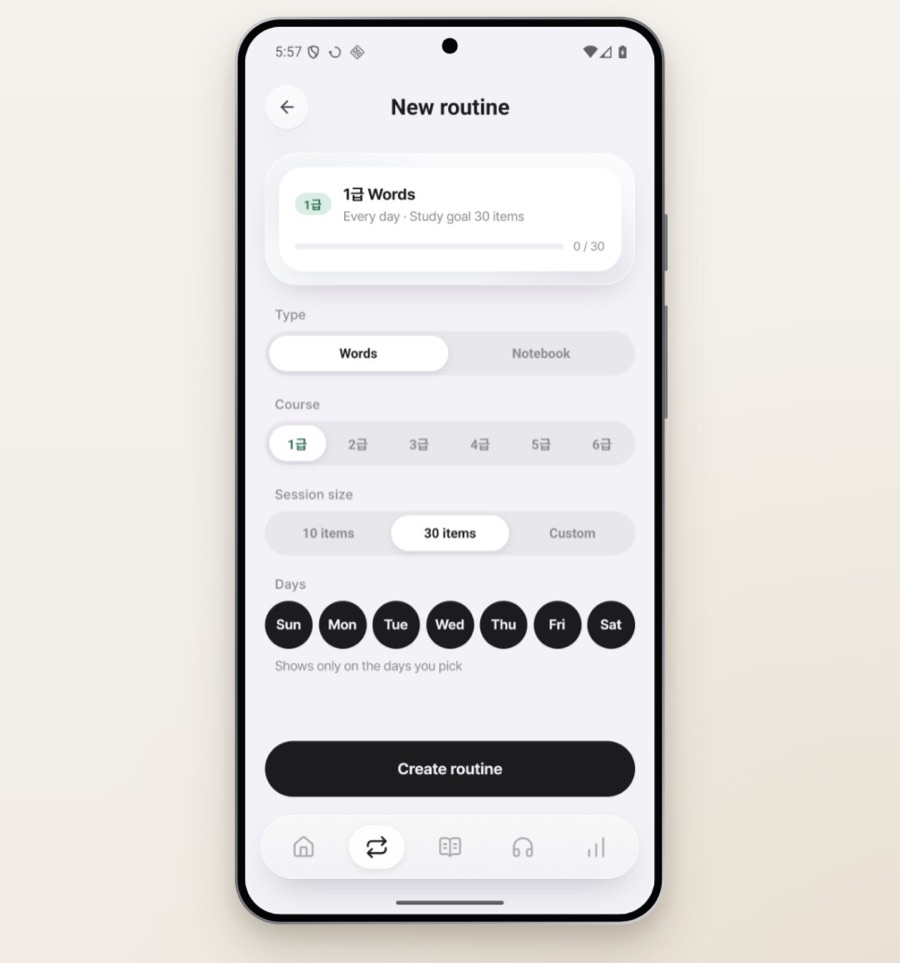
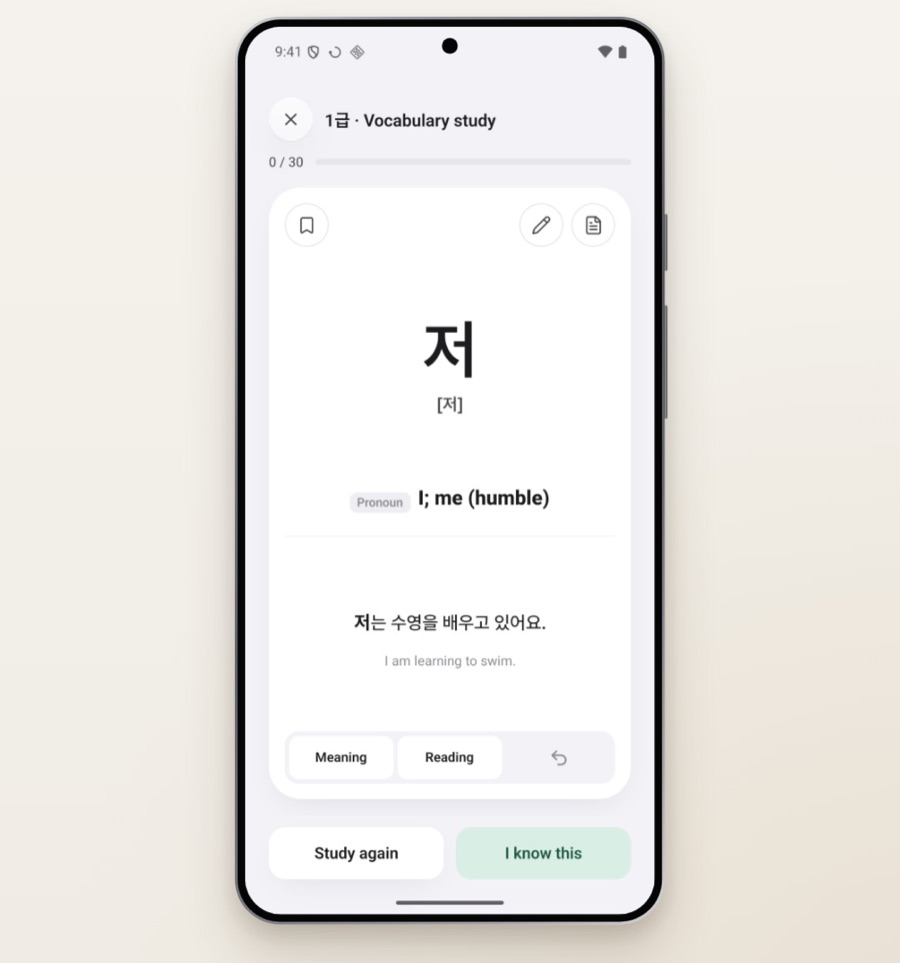
Words for every TOPIK I and II level, with examples.
TOPIK 1급–6급 vocabulary, chapter by chapter.
The app follows your device language. Languages it doesn’t support fall back to its default.
The first 30 words of every level or course are free.
Review free words as often as you like, in the app and outside it.
Nothing interrupts your words.
Yes. In widgets, on the lock screen, in alerts and on the learning screen over other apps, you can check the meaning and choose “I know this” or “Again.” Wherever you answer, it carries over to your progress and routine in the app.
Only in the apps you pick, at the interval you set. You can change both at any time.
Learning outside the app requires setup and permissions. Display behavior and available features may vary by operating system and device.
UI and explanation languages differ by app. Check “UI and explanation languages” on each app’s page.